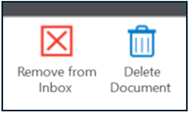
When choosing to remove an item from an inbox, it will simply be removed and no longer viewable in that particular inbox, but the document still exists and can be accessed in the case file by doing a “Custom Queries” search.
When choosing to delete a document it will be removed from the current inbox and sent to the “Review Deletion Request” inbox of whomever in an office has deletion privileges.
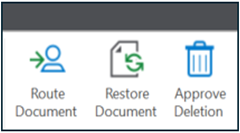
The request will be reviewed to determine the appropriateness of the request. Dependent upon the review results the document may be routed to the original requestor’s inbox or another user’s inbox for additional action(s). The reviewer may choose “Restore Document” which will return the document to the case file, or the reviewer may select “Approved for Deletion” which effectively deletes the document, and it will no longer be accessible or viewable in any Workflow inboxes or the case file.
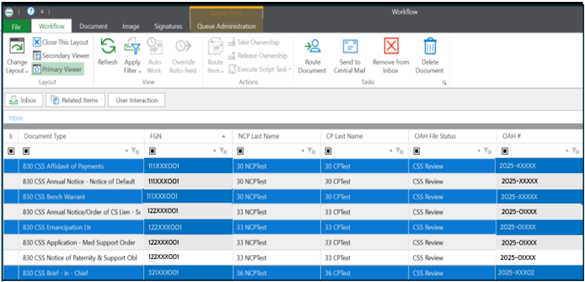
Users are able to select multiple documents to remove or delete from an inbox at one time. This can be accomplished by holding the CTRL button and selecting the desired documents for the action to be taken.
If the documents were selected for deletion, once they are in the Review Deletion Requests inbox the same method can be used to “Route Document” to another user, to “Restore Document” back to the case file or “Approve Deletion” and delete the document.