The CSS Docket Prep Sheet is for CSS use only. This is used for internal tracking. Most of the information will auto populate. It may be updated at any time by anyone and can be updated as many times as needed.
To access and work with the CSS Docket Prep Sheet follow these steps:
- Access the CSS Docket Prep Sheet folder in Workflow. This is located under 830 OAH Docket Processing.
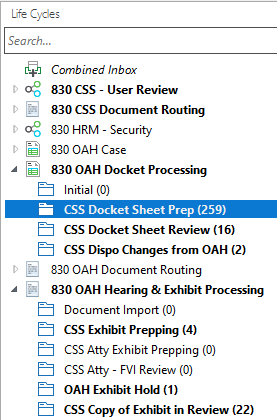
- Find the case that you want to work with and click to highlight it. Make sure that Primary Viewer is selected. The CSS docket sheet will appear in the Primary Viewer window.

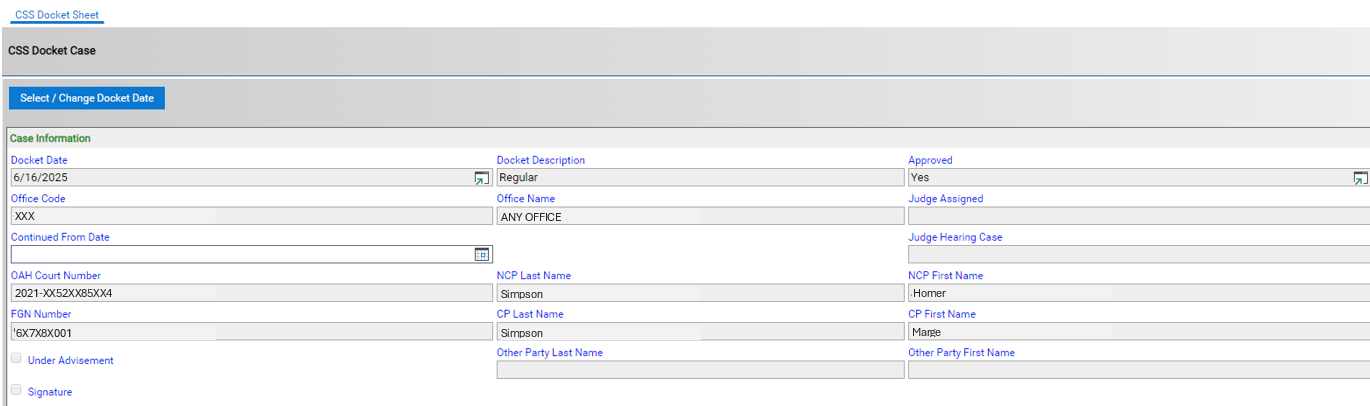
- The CSS docket sheet has several different sections. The first section contains the basic case information. This is also where you can select if this is a signature docket or if the case has been taken under advisement. If the case has been continued update the Continued From Date field.
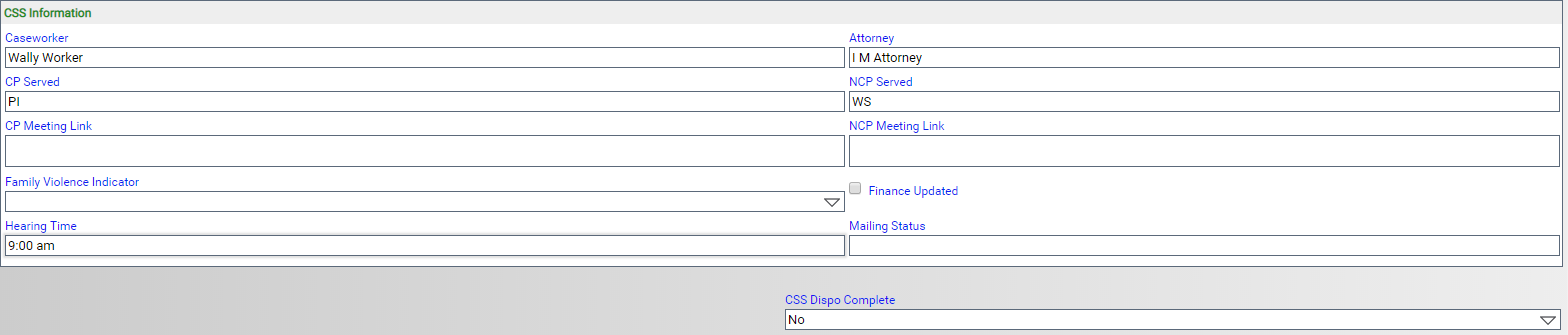
- The next section is for CSS information such as caseworker name, attorney name, service information, etc. When updating the service information, you can use the same codes used to update the DOCSL screen.
- The next section Action Codes is to specify what action(s) is being taken on the case. Check the box next to the action(s) that are being taken on the case.

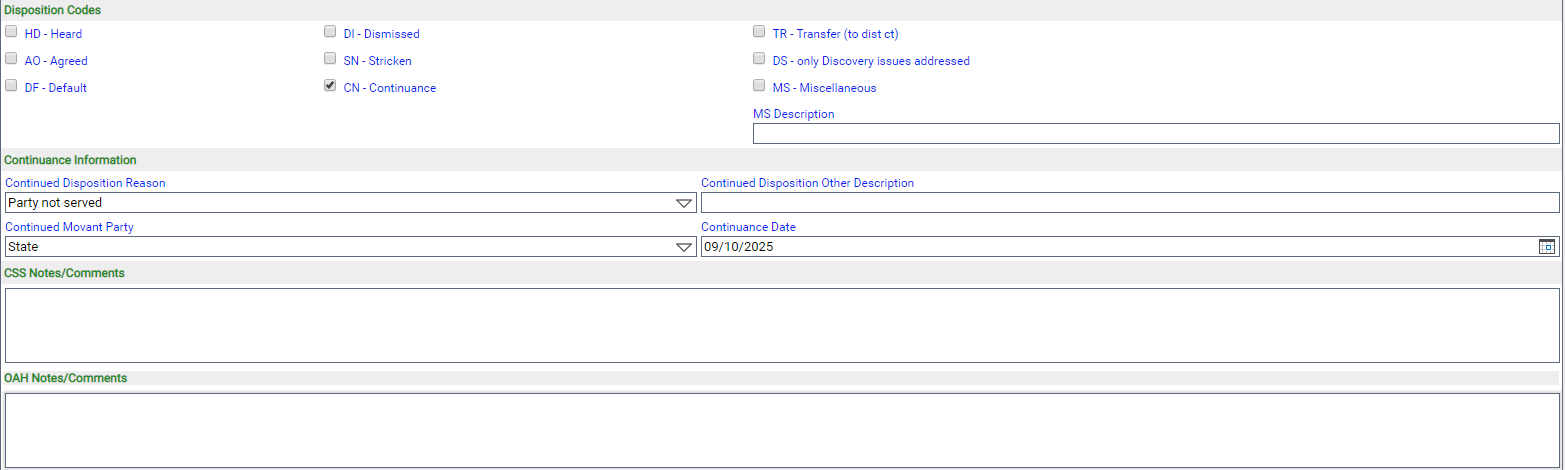
- Next is the Disposition Codes section followed by a place to record continuance information and any notes.