See the Quest Article Checking CSENet Messages for more information about the screens below.
LO1 R − QUICK LOCATE REQUEST: This transaction is used to electronically request locate information on an individual from another state. This transaction should be used in lieu of the paper Locate Data Sheet.
Quick Locate is a CSENet transaction that works by sending an L01 R CSENet transaction to another state using the APPU screen in OSIS:
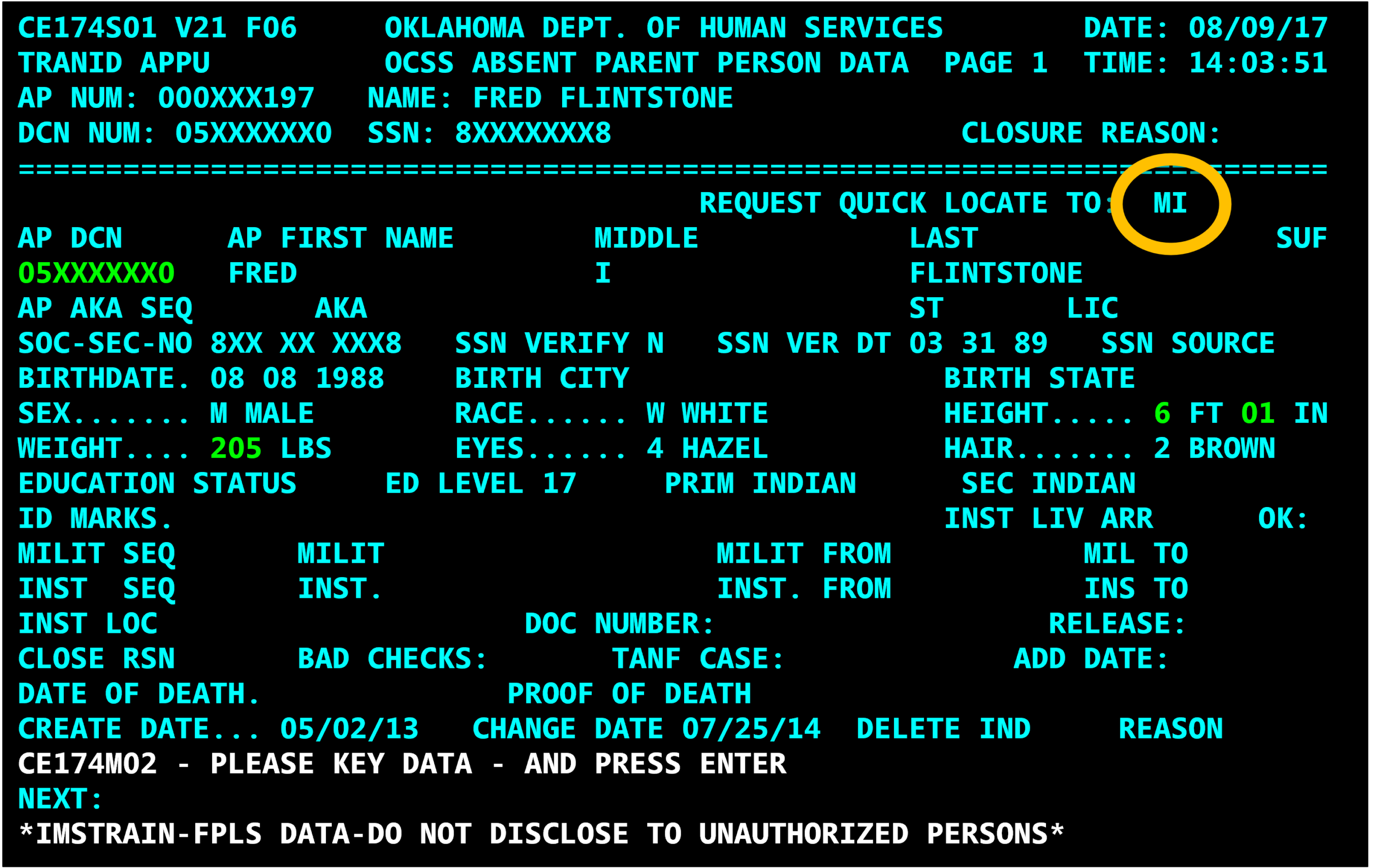
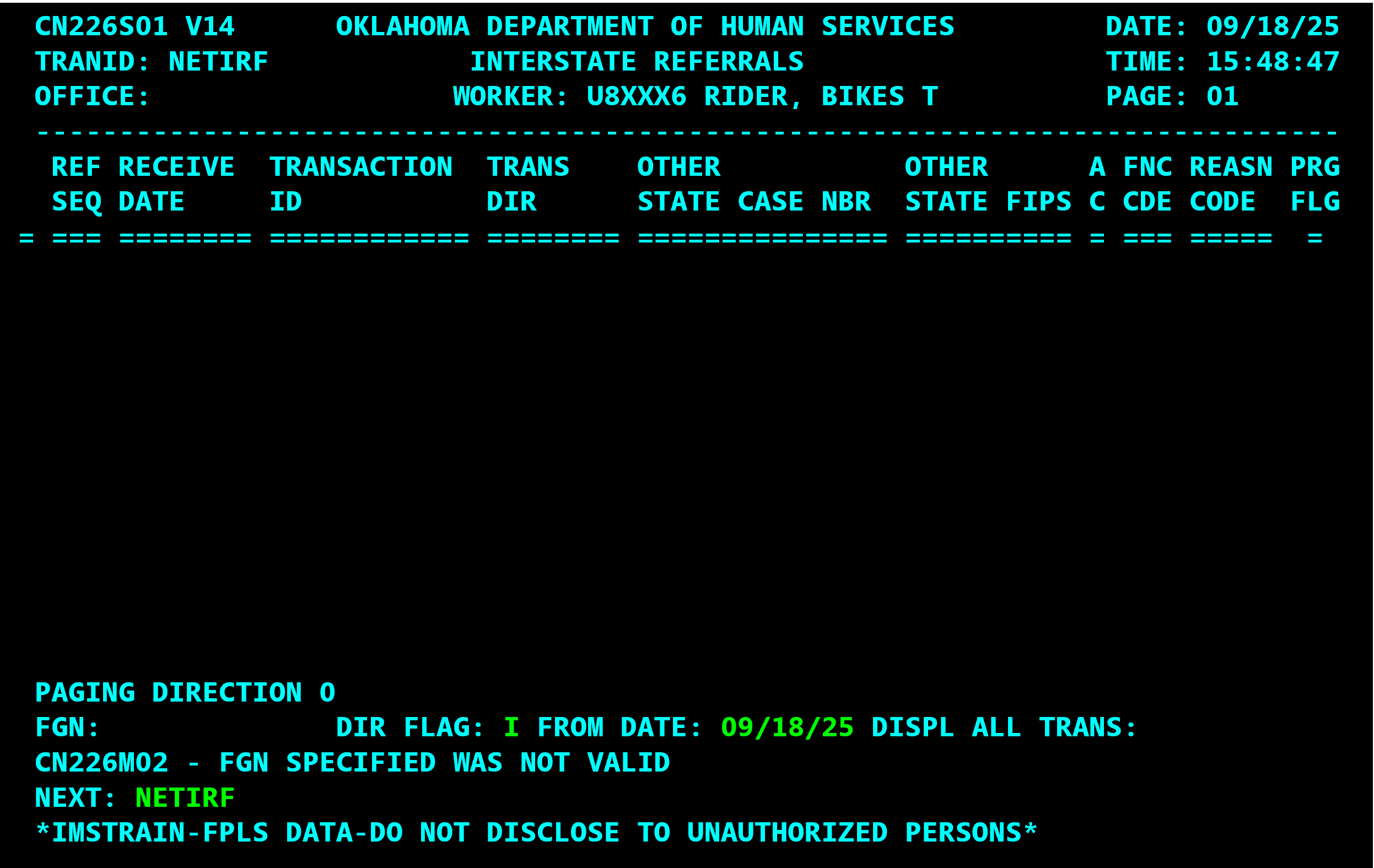
You can view your outgoing L01 CSENet transaction using the NETIRF command:
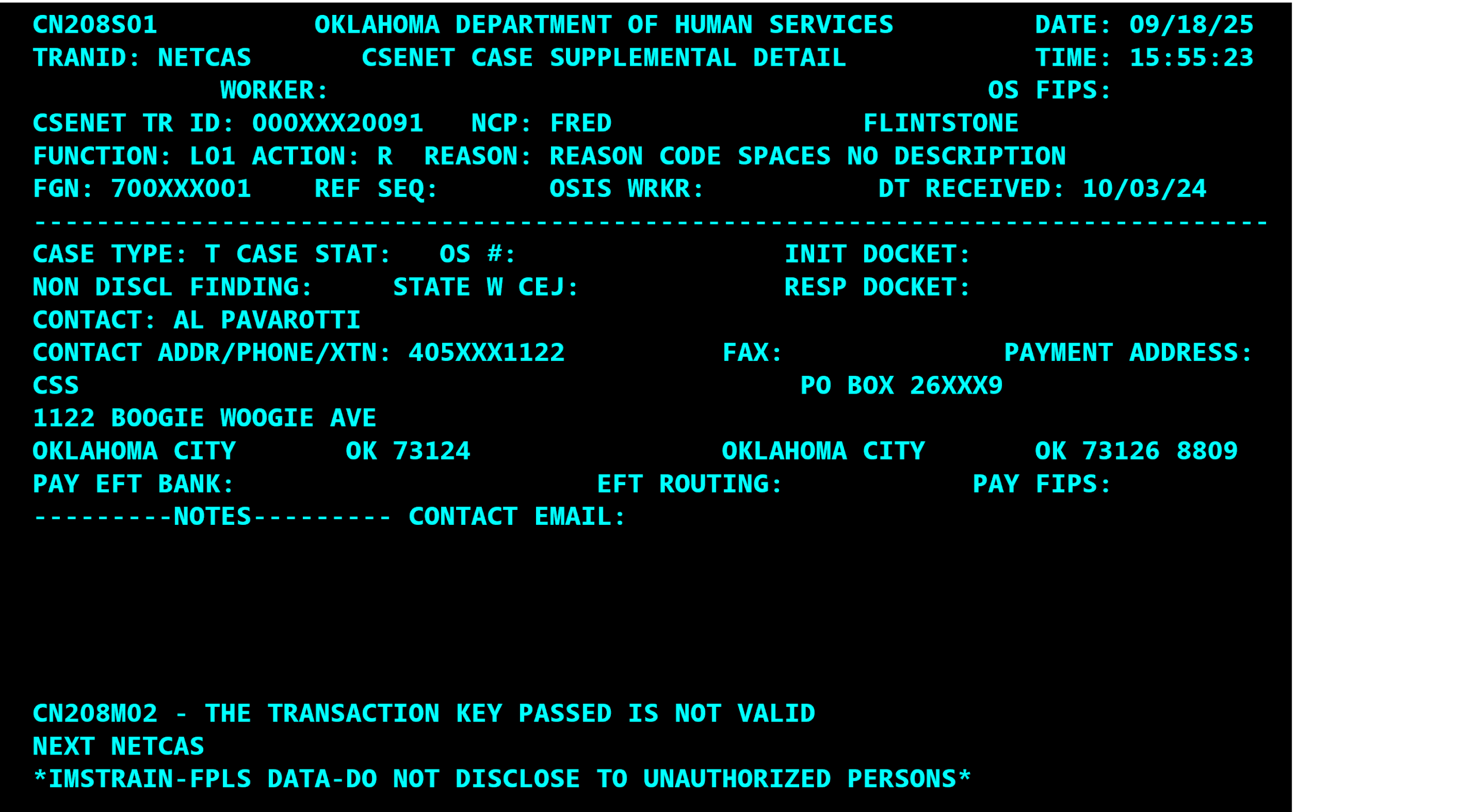
If you open your outgoing L01 CSENet transaction, you will see that OSIS is asking the other state for all available locate data:
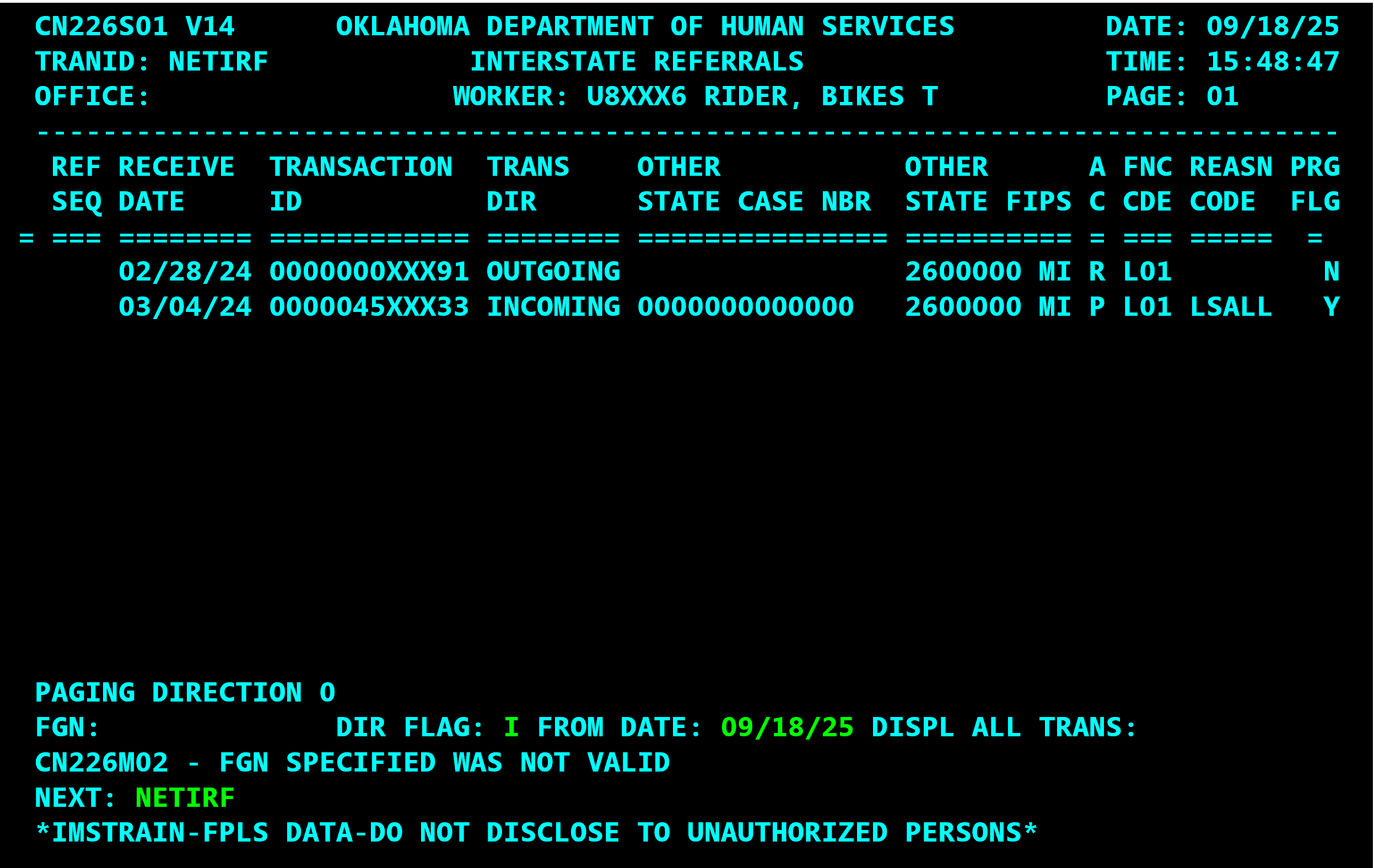
Check for quick locate responses using the commands NETIR, NETIRF and NETOFF. Keep track of locate requests and responses with the LASSU screen.
CSLOGO/CSLOGI will automatically update when a quick locate response from another state has been received.

Open the incoming L01 transaction to find the locate information provided by the other state:
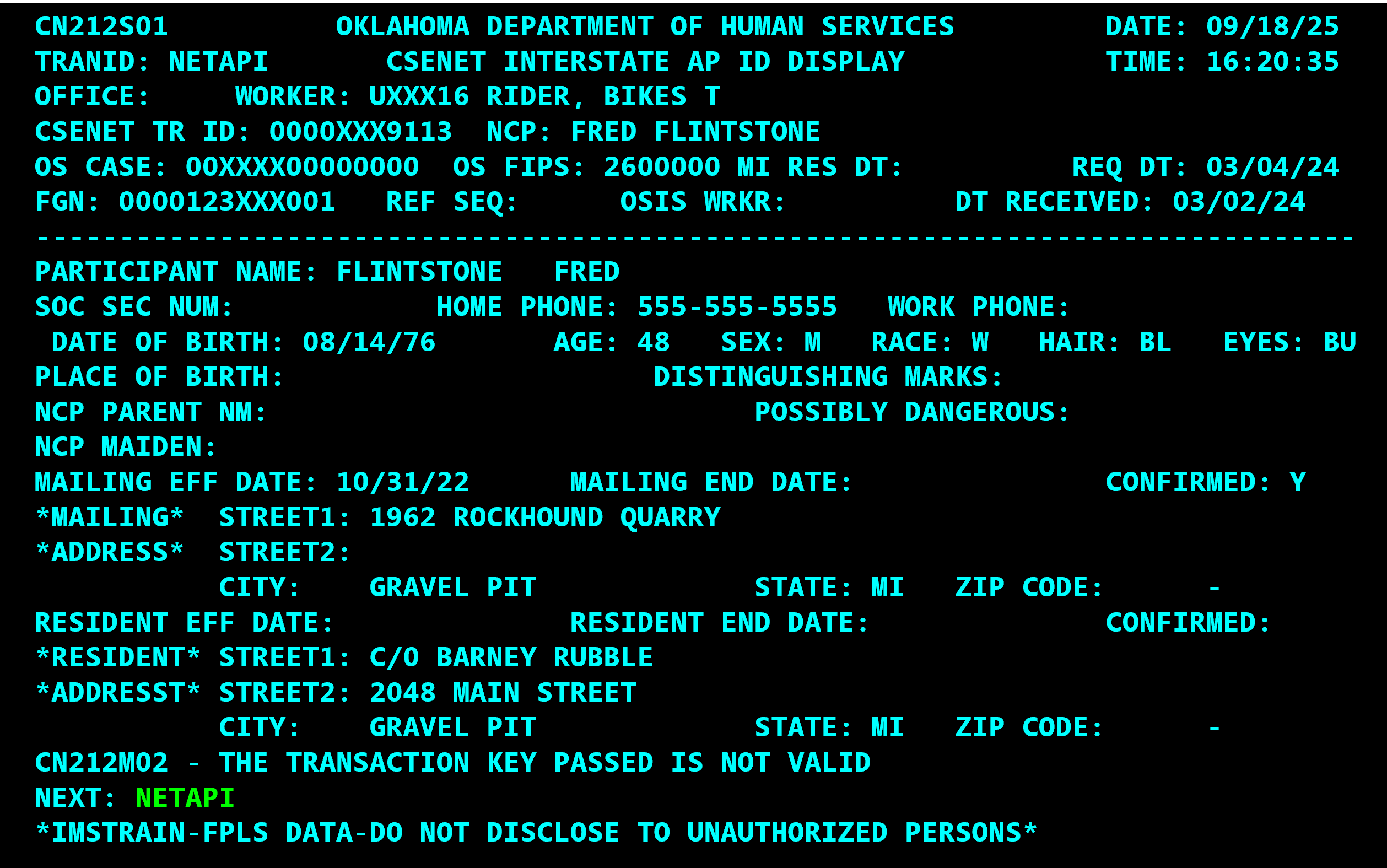
What about L01 Requests coming in by CSENet from other states? What do I need to do?
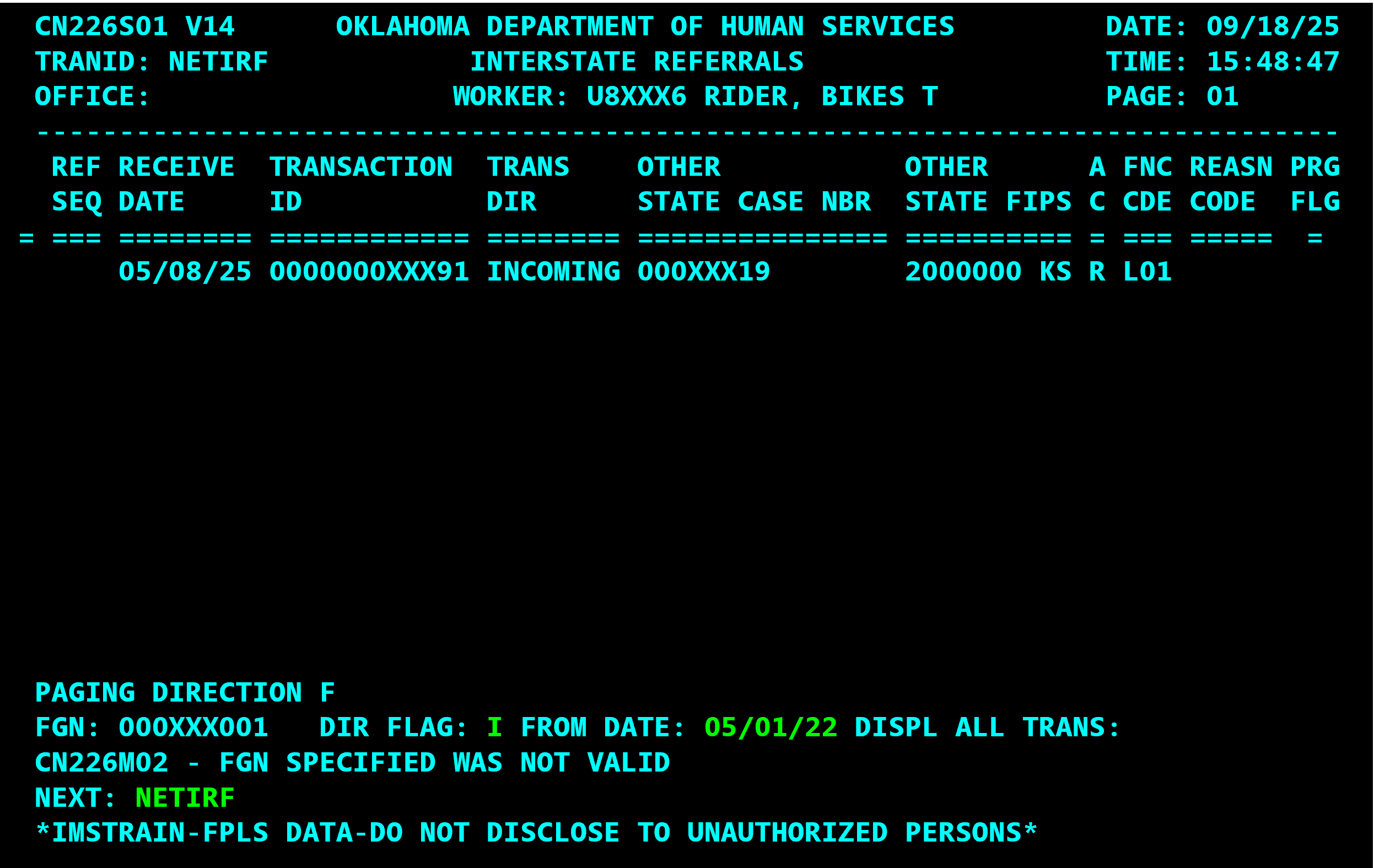
Answer: OSIS is programmed to automatically answer these messages. The caseworker does not need to take any action. Notice the incoming L01 Request from Kansas below:
Using the NETIRO command and the other state’s IV-D Case Number, you can see OSIS sent an automated response:
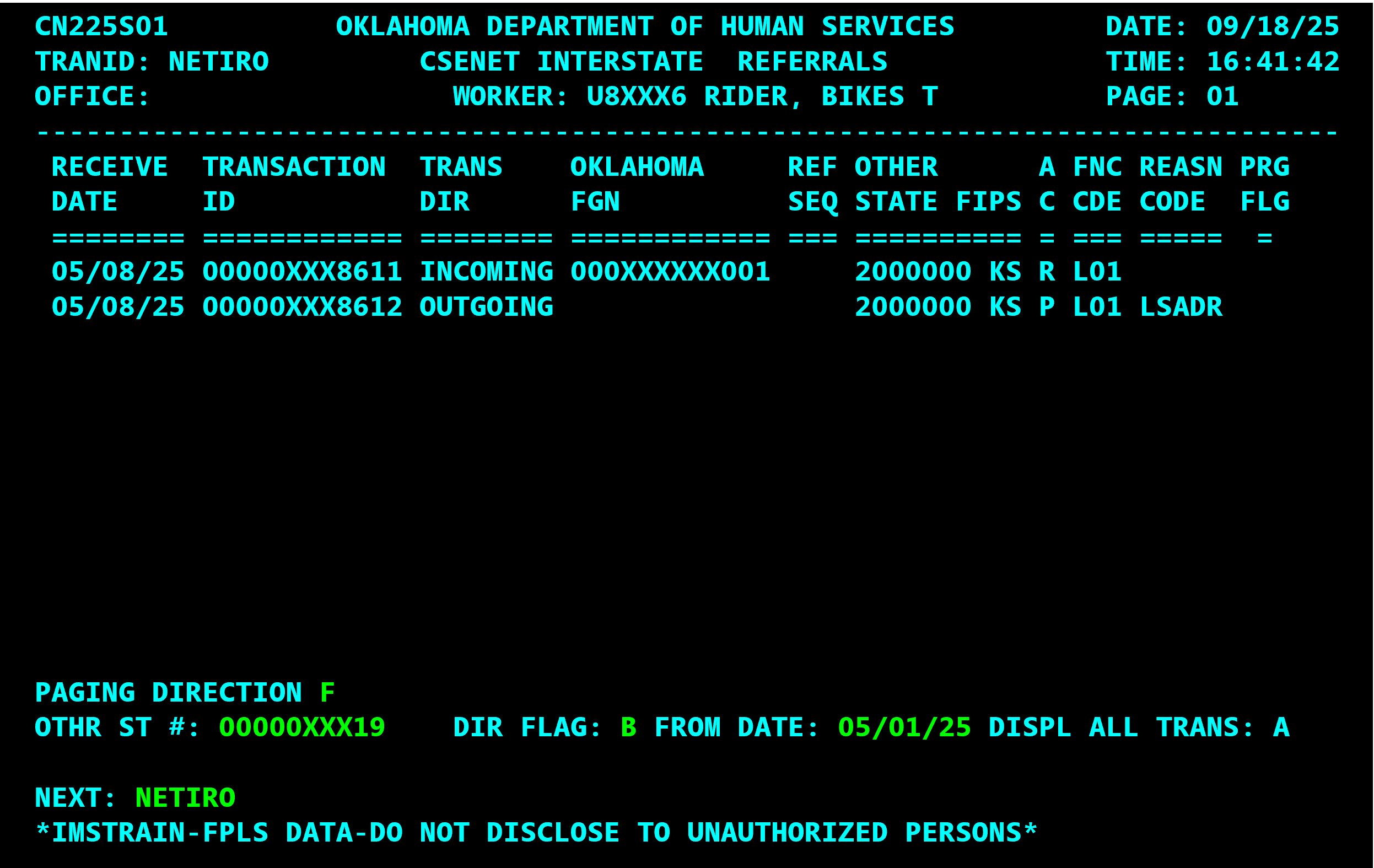
Pro Tip: NETIRO – View by the other state IV-D number
NETIRO [CASE #] [DIR FLAG] [MMDDYY]
Did you notice the Oklahoma FGN is missing from the automated response? OSIS does not include the Oklahoma FGN in its automated response.
That is why you can ONLY find the OSIS automated response transaction using the NETIRO command and the other state’s IV-D case number.