This article offers a step-by-step guide to locating a case, placement information, removal information, and reunification/custody information in eKIDS.
Locating a Case
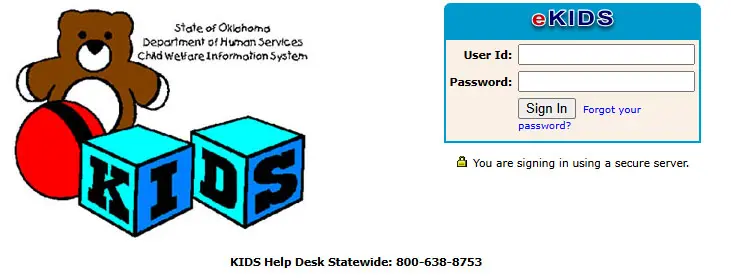
Login to eKIDS.
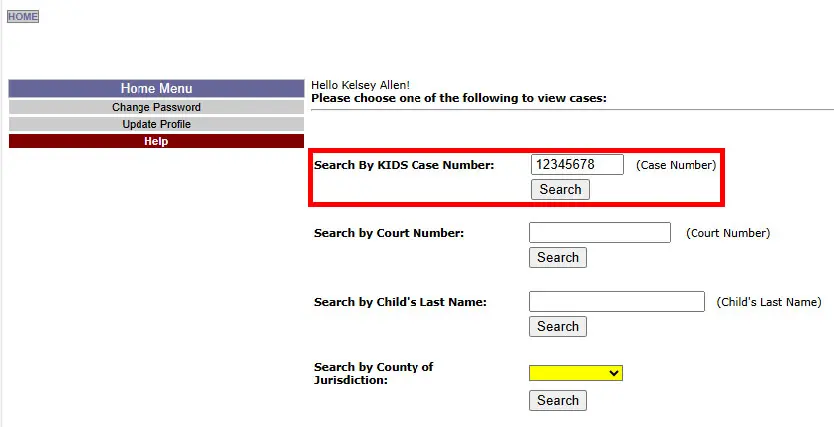
Type the foster care case number in the Search by KIDS Case Number field making sure to exclude the “kk” at the beginning of the number.
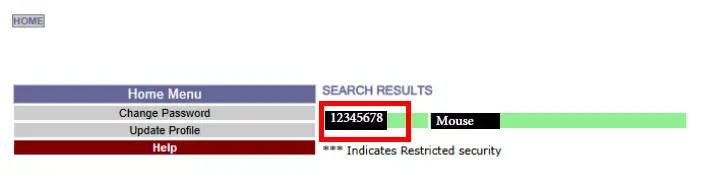
Once the case number pulls up, click on it to open the case.
Placement Information
Click on the placement tab to view placement details.

Click on the child’s name.

Click on “Show Placements.”

Below is the placement information you will need to verify foster care time periods.

Removal Information
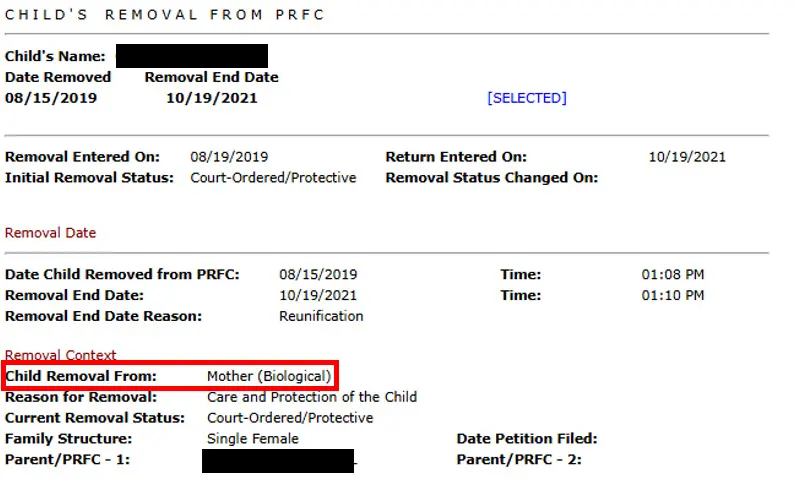
Click on the “Removal” tab in the menu bar, then click select next to the child you want to view removal information for.
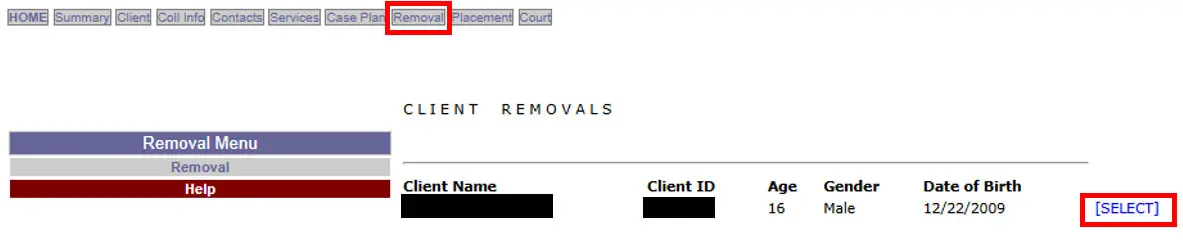
The removal date will pop up, and you will press select next to the removal date you want to look at.

The removal screen will pop up, and you will be able to see who the child was removed from.
Reunification/Custody Information
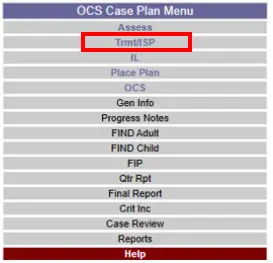
Click on “Case Plan” in the menu bar.

Click on “Trmt/ISP” in the left menu.
Look for the most recent ISP that has an “Approved” status and press “Select ISP” next to it.
 Click on “Progress Report.”
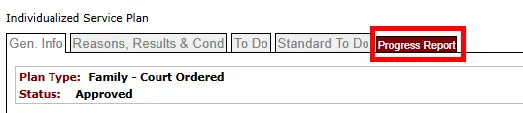
In the “Recommendations” section, you should find information about who a child was placed with. In this case we can see that the child was placed in trial reunification with the father.
