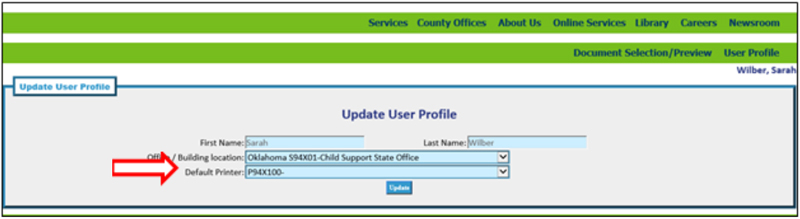
Changing Your ALC Default Printer
Adobe Live Cycle (ALC) allows you to change your default printer in just a couple easy steps. If you change offices, or if your office switches to a new printer, make sure that you update ALC so that your documents are sent to the correct location.
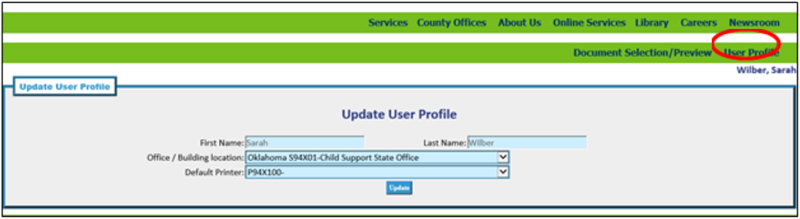
In ALC, click on “User Profile:”
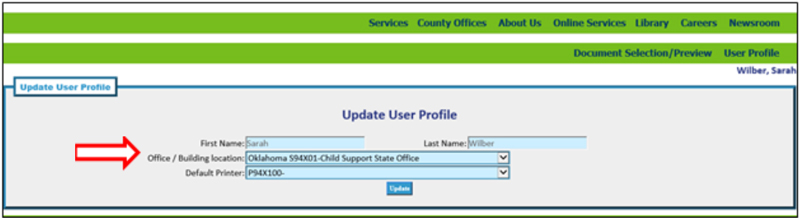
Make sure your office is selected in the “Office/Building Location” field. If it’s not, select it from the dropdown list:
Select your default printer from the dropdown list and click the “Update” button: