When you access Workflow the default view is items that are assigned to you. If there is a need to view another user’s items, this can be done by using the Queue Administration tab.
- Access Workflow and click on the Queue Administration tab at the top of the page.

- Click on the Show Other User’s Inbox button.

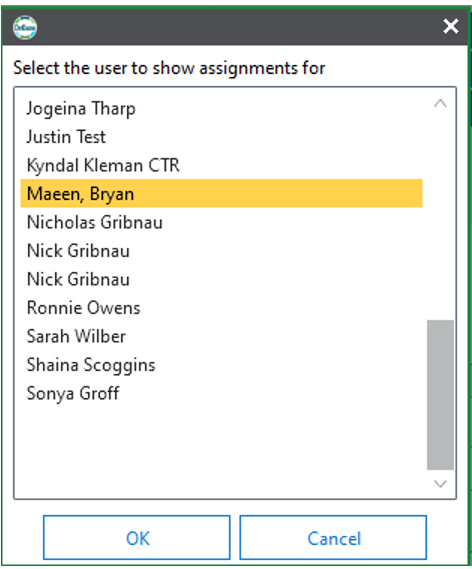
- Select the user’s name that you want to view.
To return to your Inbox and items assigned to you click on the Assigned to Current User button.
