If a document needs to be signed follow these steps:
- Access the document in your Inbox in OnBase Workflow by clicking on the document.
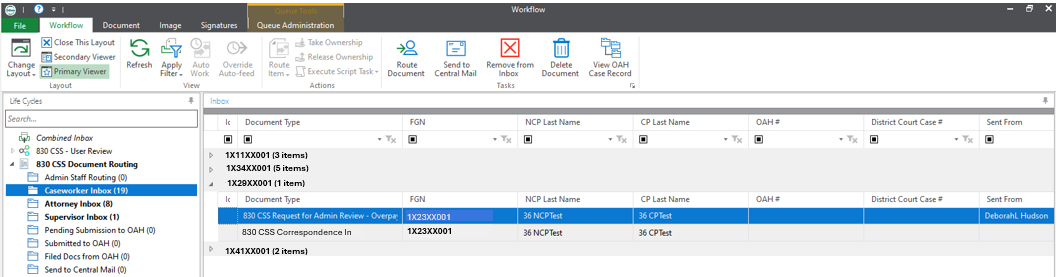
- Click on the Signature tab at the top of the screen.

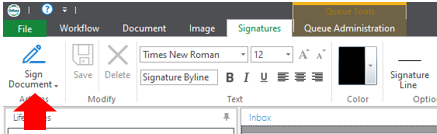
- Click on Sign Document.
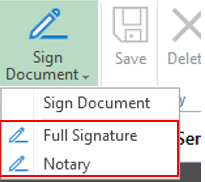
- Select the signature type you want to use. This will place your signature on the document. You will be able to move the signature to where it needs to be on the document.
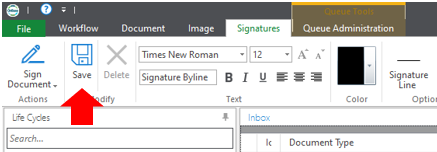
- Once the signature is where it should be click on the Save button on the Ribbon.